How Much Mobile Data Does Bit TV Consume?
Streaming live TV, sports, movies, and entertainment on Bit TV is convenient, especially when you’re away from Wi-Fi. However, many users wonder: How much mobile data does Bit TV actually consume?
The answer depends on several factors, including the video quality, streaming duration, internet speed, and the type of content you’re watching. If you have a limited mobile data plan, understanding Bit TV’s data usage can help you avoid unexpected charges and make your data last longer.
This guide explains how much data Bit TV typically uses, what affects its consumption, and how you can reduce data usage while maintaining a smooth viewing experience.
Does Bit TV Use a Lot of Mobile Data?
Like most video streaming applications, Bit TV primarily uses data to deliver video content. Video streaming is one of the most data-intensive activities on a smartphone.
The higher the video quality, the more data Bit TV consumes.
For example:
- SD quality uses relatively little data.
- HD streaming requires considerably more.
- Full HD consumes even more mobile data.
- If Bit TV supports higher resolutions in the future, data usage will increase accordingly.
Therefore, someone watching for several hours every day may use multiple gigabytes of mobile data each week.
Estimated Bit TV Data Usage
Although the exact amount varies depending on the stream and compression technology, the following estimates are common for video streaming apps.
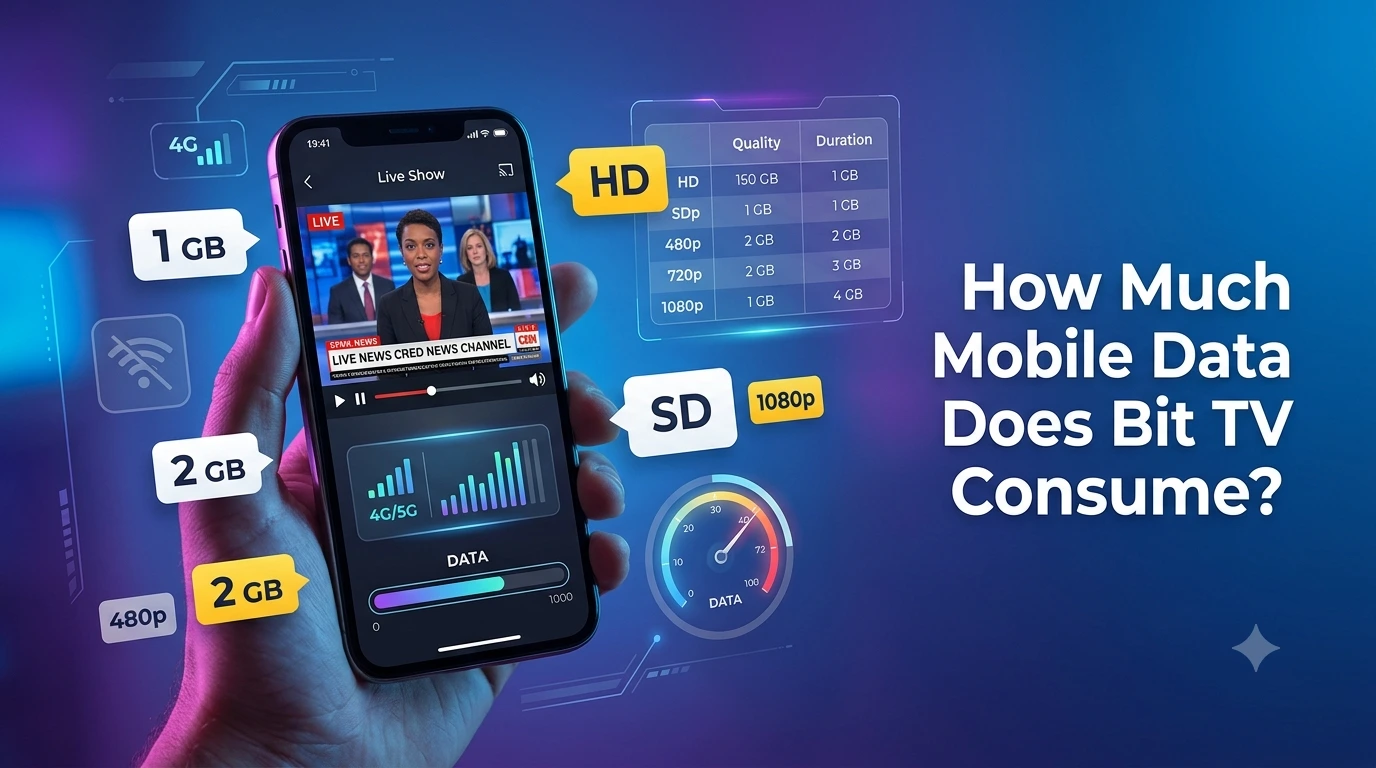
| Streaming Quality | Approximate Data Per Hour |
|---|---|
| 240p | 250–350 MB |
| 360p | 350–500 MB |
| 480p (SD) | 500–700 MB |
| 720p (HD) | 1–1.5 GB |
| 1080p (Full HD) | 2–3 GB |
These figures are estimates and may vary depending on:
- Video bitrate
- Live TV vs. on-demand content
- Sports streaming
- Compression efficiency
- Internet connection
What Affects Bit TV’s Data Consumption?
Several factors determine how much data Bit TV uses during streaming.
1. Video Quality
Higher resolution means better picture quality but greater data consumption.
For example:
- SD streams save data.
- HD streams provide sharper visuals.
- Full HD offers the best quality but consumes significantly more data.
If you’re using mobile data, lowering the video quality can dramatically reduce usage.
2. Streaming Duration
The longer you watch, the more data you consume.
For example:
- 30 minutes uses roughly half the data of one hour.
- Watching 4 hours daily can quickly consume several gigabytes.
Daily viewing habits have a major impact on monthly data usage.
3. Live Sports Streaming
Sports often require higher bitrates because of constant movement.
Fast-moving content like:
- Football
- Cricket
- Basketball
- WWE
- Formula racing
usually consumes more data than slower-paced TV shows.
4. Internet Speed
Bit TV may automatically adjust video quality based on your connection.
A faster internet connection can trigger higher-quality streams, which naturally use more data.
5. Auto Quality Settings
Many streaming apps automatically select the highest available quality.
If Bit TV uses automatic quality adjustment, your data usage may increase without you realizing it.
Switching to manual quality settings can help control consumption.
How Much Data Does One Movie Use?
Let’s consider a typical 2-hour movie.
Approximate data usage:
- SD: 1–1.4 GB
- HD: 2–3 GB
- Full HD: 4–6 GB
If you regularly watch movies over mobile networks, using Wi-Fi whenever possible is recommended.
How Much Data Does Live TV Consume?
Live TV generally consumes data at rates similar to regular video streaming.
Approximate usage:
- News channels: Moderate
- Entertainment channels: Moderate
- Kids channels: Moderate
- Sports channels: High
- Movie channels: Medium to High
Sports broadcasts usually use more bandwidth because they involve continuous motion and frequent scene changes.
How to Reduce Data Usage on Bit TV
If your mobile plan has limited data, these tips can help.
Lower Video Quality
Streaming in 480p instead of 1080p can reduce data consumption by more than half while still providing a good viewing experience on most smartphones.
Use Wi-Fi Whenever Possible
Connect to a reliable Wi-Fi network for:
- Movies
- Live sports
- TV series
- Long viewing sessions
This preserves your mobile data for when you’re away from home.
Avoid Background Streaming
Always close Bit TV after watching.
Leaving the app running in the background may continue consuming data if playback resumes automatically or if previews load.
Disable Auto-Play Features
If Bit TV automatically plays the next video or previews, disabling these features can save mobile data.
Monitor Mobile Data Usage
Both Android and iPhone allow you to track app-specific data usage.
Checking these statistics regularly helps identify whether Bit TV is consuming more data than expected.
Download Content (If Available)
If Bit TV offers offline downloads in your region or version, download content over Wi-Fi instead of streaming on mobile data.
Is Bit TV Suitable for Limited Data Plans?
Yes, but only if you manage your streaming settings carefully.
Users with:
- 2 GB/day plans
- 5 GB/month plans
- Limited prepaid packages
should avoid long HD streaming sessions.
Watching in SD quality can significantly extend your available data.
Can Unlimited Data Plans Solve the Problem?
Unlimited plans make streaming much more convenient, but they aren’t always truly unlimited. Some carriers reduce speeds after a certain amount of high-speed data has been used.
If your plan includes such limits, managing video quality can still help maintain a smoother streaming experience throughout the billing cycle.
Signs That Bit TV Is Using Too Much Data
You may notice:
- Mobile data finishes quickly.
- Monthly limits are reached earlier than expected.
- Your carrier sends frequent usage alerts.
- Other apps become slower due to data restrictions.
If this happens, consider reducing the streaming quality and using Wi-Fi whenever it’s available.
Frequently Asked Questions
Does Bit TV consume more data than YouTube?
Data usage depends mainly on the video quality rather than the app itself. Watching videos at the same resolution on Bit TV and YouTube generally results in similar levels of data consumption.
Can I stream Bit TV with 1 GB of mobile data?
Yes. At lower resolutions such as 240p or 360p, 1 GB may provide several hours of viewing. At HD quality, however, 1 GB may last for roughly an hour or less.
Does live sports streaming use more data?
Generally, yes. Fast-moving sports broadcasts often require higher bitrates, which can increase data consumption compared to slower-paced content.
Does Bit TV automatically adjust video quality?
Many streaming apps adapt quality based on internet speed. If Bit TV includes this feature, it may increase quality on faster connections, leading to higher data usage.
Is Wi-Fi better for Bit TV streaming?
Yes. Wi-Fi is usually the best option for watching HD movies, live sports, or binge-watching multiple episodes without worrying about mobile data limits.
Final Thoughts
Bit TV’s mobile data consumption depends largely on the video quality you choose and how long you stream. Lower resolutions are ideal for conserving data, while HD and Full HD provide a better viewing experience at the cost of higher usage.
By adjusting video quality, monitoring your mobile data, using Wi-Fi when available, and avoiding unnecessary background streaming, you can enjoy Bit TV without exhausting your data plan. With a few simple habits, it’s possible to strike a balance between great picture quality and efficient data usage, making your streaming experience both enjoyable and cost-effective.