How to Stop Bit TV from Draining Your Battery 10 Easy Fixes
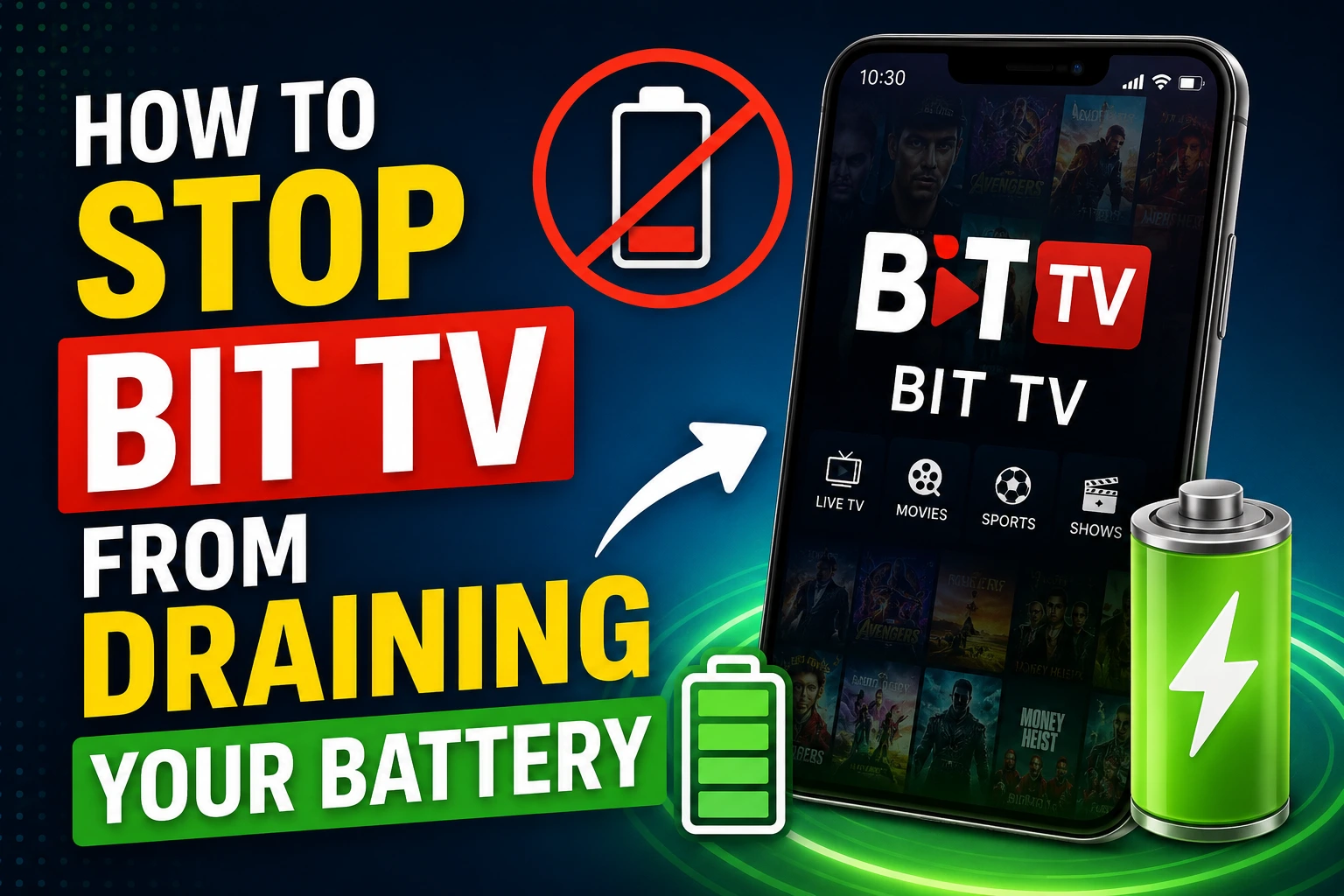
Streaming live TV, sports, movies, and entertainment on Bit TV is convenient, but many users notice that long streaming sessions can quickly drain their phone’s battery. Video streaming is one of the most power-hungry activities on any smartphone because it continuously uses the display, processor, internet connection, and audio system.
The good news is that you don’t need to stop enjoying your favorite content. With a few simple settings and smart habits, you can significantly reduce battery consumption while using Bit TV.
In this guide, we’ll explain why Bit TV uses so much battery and share practical ways to extend your phone’s battery life during streaming.
Why Does Bit TV Drain Battery?
Before fixing the problem, it’s important to understand what’s causing it.
When you’re streaming, your phone is doing several demanding tasks at once:
- Downloading video data over Wi-Fi or mobile data
- Decoding high-quality video
- Keeping the display active
- Running speakers or Bluetooth audio
- Maintaining network connectivity
- Preventing the device from sleeping
These combined tasks naturally consume more power than regular app usage.
1. Lower the Video Quality
One of the easiest ways to save battery is by reducing streaming quality.
High-definition streams require:
- More processor power
- Higher internet usage
- Increased GPU activity
If you’re watching on a small smartphone screen, switching from 1080p to 720p—or even 480p—often makes little noticeable difference while saving a significant amount of battery.
Best for:
- Long sports matches
- Movies
- TV shows
- Mobile data users
2. Reduce Screen Brightness
Your display is usually the biggest battery consumer.
Instead of keeping brightness at 100%:
- Use auto-brightness
- Manually reduce brightness indoors
- Avoid maximum brightness unless outdoors
Even lowering brightness by 30–40% can noticeably increase battery life.
3. Use Wi-Fi Instead of Mobile Data
Mobile networks consume more power than Wi-Fi because your phone constantly searches for stronger cellular signals.
Whenever possible:
- Connect to a stable Wi-Fi network
- Stay close to the router
- Avoid switching between Wi-Fi and mobile data
A stable Wi-Fi connection not only saves battery but also improves streaming quality.
4. Enable Battery Saver Mode
Most Android phones include Battery Saver mode.
This feature:
- Limits background activity
- Reduces processor usage
- Restricts unnecessary syncing
- Improves battery efficiency
Bit TV usually works perfectly while Battery Saver is enabled.
5. Close Background Apps
Many apps continue running even after you stop using them.
These apps may:
- Refresh content
- Check notifications
- Sync files
- Use GPS
- Consume RAM
Before opening Bit TV:
- Close unused apps
- Stop heavy games
- Exit social media apps
- Disable unnecessary downloads
This leaves more system resources available for streaming.
6. Turn Off Bluetooth and GPS When Not Needed
Bluetooth and Location Services constantly use power.
If you aren’t using:
- Wireless earbuds
- Smartwatch
- Navigation
- Location-based services
Turn them off during streaming.
Small changes like these can noticeably extend battery life during long viewing sessions.
7. Use Headphones Instead of Phone Speakers
Phone speakers consume more power at high volume.
Using:
- Wired earphones
- Efficient Bluetooth earbuds
- Lower volume levels
can reduce power consumption while improving your viewing experience.
8. Keep Bit TV Updated
Developers regularly release updates that include:
- Performance improvements
- Battery optimizations
- Bug fixes
- Faster loading
- Better memory management
Always install the latest version of Bit TV to benefit from these improvements.
9. Keep Your Phone Cool
Heat causes batteries to drain faster.
Avoid:
- Streaming in direct sunlight
- Charging while streaming for long periods
- Using thick cases that trap heat
- Running multiple demanding apps simultaneously
If your phone feels hot, give it a short break before continuing.
10. Avoid Charging While Streaming
Many people watch Bit TV while charging.
Although convenient, this can:
- Generate excess heat
- Reduce battery lifespan over time
- Slow charging speed
Whenever possible:
- Charge first
- Then enjoy uninterrupted streaming afterward
Your battery will remain healthier in the long run.
Bonus Tips for Even Better Battery Life
Here are a few additional tricks that make a noticeable difference:
Enable Dark Mode
If your phone has an OLED or AMOLED display, Dark Mode can reduce power consumption significantly.
Disable Auto-Rotate
Keeping sensors active slightly increases battery usage.
Turn Off Vibrations
Disable keyboard vibration and unnecessary haptic feedback while watching.
Reduce Screen Timeout
If you pause Bit TV frequently, a shorter screen timeout helps conserve battery.
Use Airplane Mode (Offline Viewing Only)
If you’re watching downloaded content, enable Airplane Mode to save additional battery.
Signs Your Phone Battery Needs Replacement
Sometimes Bit TV isn’t the problem.
Your battery may simply be worn out if you notice:
- Battery drops from 50% to 10% suddenly
- Phone overheats regularly
- Battery drains even when idle
- Charging takes unusually long
- Battery health is below 80%
Older batteries naturally lose their capacity after hundreds of charge cycles.
Common Mistakes That Drain Battery Faster
Avoid these habits:
- Streaming at maximum brightness
- Watching in 1080p unnecessarily
- Leaving many apps running
- Using poor mobile network coverage
- Streaming while charging
- Ignoring software updates
- Keeping Bluetooth and GPS enabled all day
Correcting these small habits can noticeably improve battery life.
Frequently Asked Questions (FAQs)
Does Bit TV consume a lot of battery?
Like all video streaming apps, Bit TV uses a considerable amount of battery because it relies on your screen, processor, internet connection, and audio hardware. However, following the optimization tips in this guide can greatly reduce battery usage.
Is Wi-Fi better than mobile data for battery life?
Yes. Wi-Fi generally uses less power than mobile data, especially when the connection is stable.
Does lowering video quality save battery?
Absolutely. Streaming at lower resolutions requires less processing power, helping your device consume less energy.
Can Battery Saver affect streaming quality?
Battery Saver mainly limits background activity. In most cases, Bit TV continues to stream normally while benefiting from improved battery efficiency.
Why does my phone get hot while watching Bit TV?
Continuous video decoding, high screen brightness, mobile data usage, and charging during streaming can all generate heat. Keeping your device cool helps maintain better battery performance.
Final Thoughts
Battery drain is a common concern for anyone who enjoys long streaming sessions on Bit TV, but it doesn’t have to ruin your viewing experience. By lowering video quality, reducing screen brightness, using Wi-Fi, closing unnecessary apps, and keeping your phone updated, you can significantly extend battery life without sacrificing entertainment.
The best approach is to combine several of these tips rather than relying on just one. Small adjustments add up, allowing you to watch more of your favorite live sports, movies, and TV shows while keeping your device running longer between charges.